Pocket Vocal Hub (iOS)
An offline-first iOS singing practice app with on-device pitch detection, guided drills, and a lightweight stats + trial unlock system.
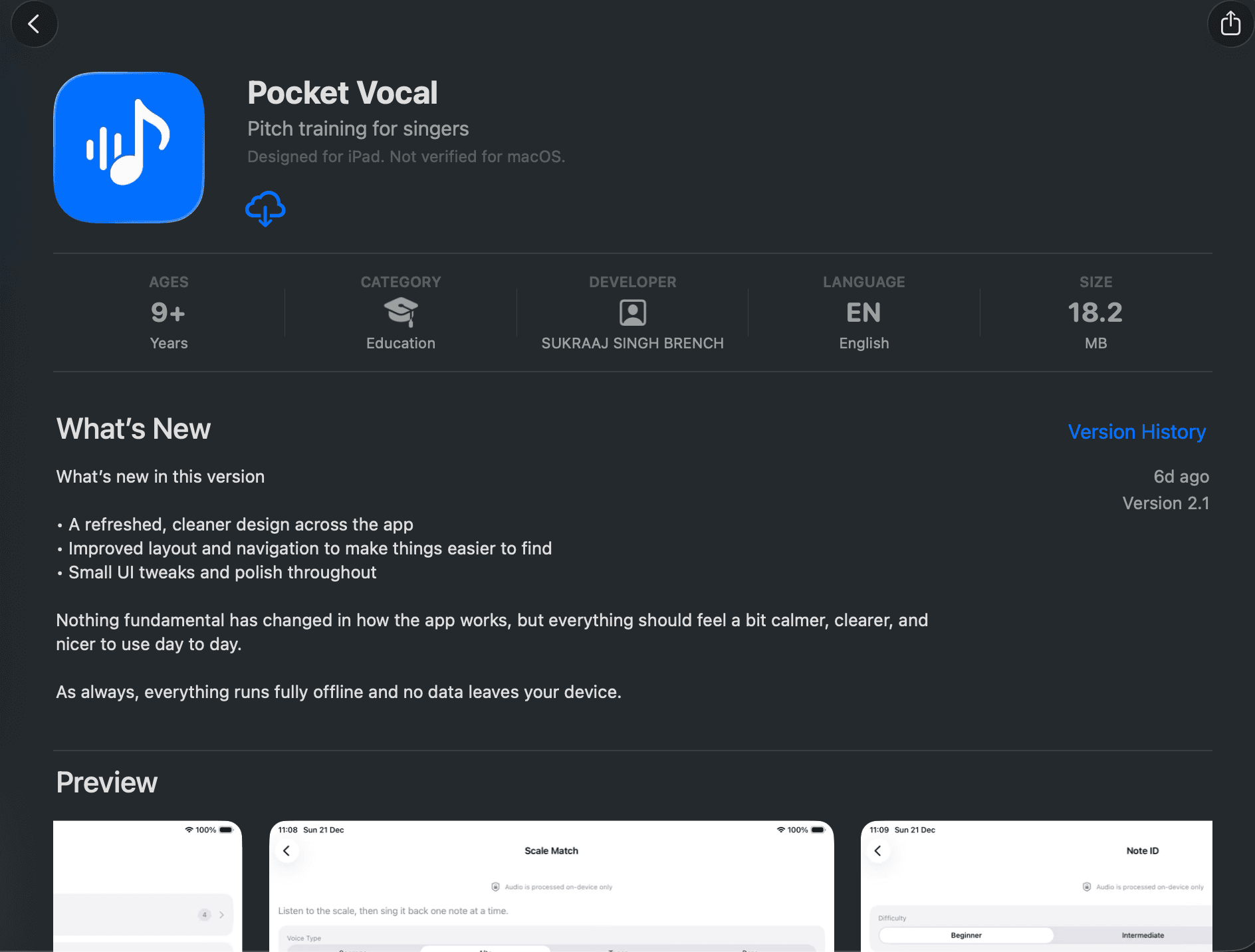
Highlights
- •100% on-device audio + pitch detection (no networking)
- •Layered architecture: Views → ViewModels → Services → Models
- •Protocol-driven seams for testing (fake clocks, pitch streamers, stores)
Pocket Vocal Hub is a local-only iOS singing practice app with guided warmups, pitch drills, technique exercises, and utility tools. All audio playback and pitch detection run entirely on-device with no network connectivity required.
What it demonstrates
- Offline-first design: zero network dependencies for core functionality
- Clear layering: Views stay thin, ViewModels own state machines, Services handle audio + persistence
- Testable by default: protocols and injected time/pitch providers enable deterministic tests
- Practical audio architecture: AVAudioEngine for mic input and reference playback (tone + SoundFonts)
Architecture overview
- UI: SwiftUI with a NavigationStack driven by route enums (AppRoute/AppDestination)
- State: ViewModels manage drill/tool state machines and lifetimes (start/stop, timers, cancellation)
- Audio: reference playback (sine tone or SoundFont sampler) + mic input tap for pitch estimation
- Persistence: UserDefaults + Keychain (trial/unlock), SwiftData container present for models
Navigation & routing
Navigation uses a NavigationStack where the root HomeView owns a path of AppRoute values. Routes map to destinations via enums, keeping the navigation graph explicit and easy to audit.
- AppRoute: destination(AppDestination) and drillsCategory(DrillCategory)
- Home tiles push destinations via a gate() check (trial/unlock rules)
- Drills hub lists categories → category list → selected drill/tool destination
Drills, tools, and state machines
The app distinguishes drills (which record completions) from tools (utility screens that never record). Each drill/tool has a ViewModel with an explicit state machine and stop/cancel behaviour on view disappear.
- Drills: Note Match, Target Note, Scale Match, Note ID, Breath Control, Vowel Consistency (record completions)
- Tools: Tuner, Metronome, Pitch Hold, Range Finder (no completion recording)
- Timers are scoped to ViewModels; stop() invalidates timers and tears down engines immediately
Audio & pitch detection
Reference playback supports both a generated sine-wave tone and SoundFont-based instruments. Pitch detection streams mic input through an audio engine tap, estimates pitch using a YIN-style approach, and emits PitchSample updates with note + cents offset.
- Playback presets: pure tone synthesis or bundled SoundFonts (piano/guitar)
- Pitch stream: 60ms sliding window, periodic estimation, silence gate and early termination
- Frequency mapping: Hz → MIDI → note name/octave, with cents offset for tuning feedback
Stats, streaks, and access control
Completions are stored as unique days to drive current/longest streaks and a short history view. Premium gating uses a 7-day trial and a one-time unlock, persisted via Keychain so it survives reinstalls on the same device.
- Stats: UserDefaults JSON dates (deduped by day boundary) with streak computation
- Access control: trialStartDate + hasFullUnlock stored in Keychain; gate() decides navigation
- StoreKit: purchase/restore to toggle unlock; stats remain available regardless of access state
Testing strategy
- Unit tests focus on ViewModel state transitions, mapping edge cases, and access control logic
- UI tests verify screen loading, gating/paywall behaviour, and back navigation
- Injection seams: TimeProviding, PitchDetectionProviding, audio players, stores, and date providers